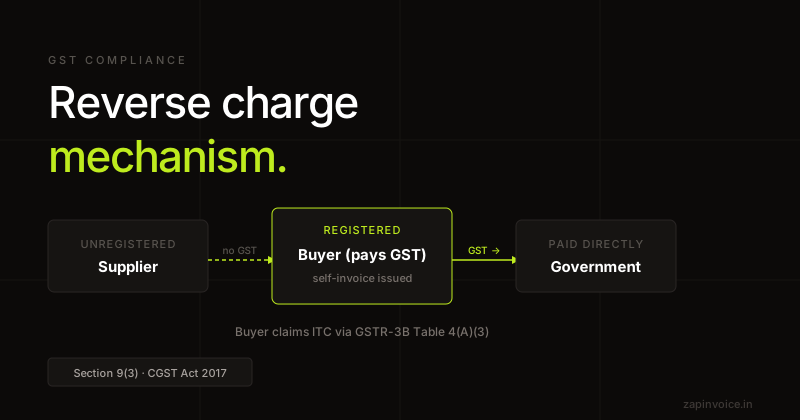
A payment voucher is issued under Section 31(3)(g) of the CGST Act by a registered buyer at the time of paying an unregistered supplier in transactions covered by Reverse Charge Mechanism (RCM). Under RCM, the obligation to pay GST shifts from the supplier to the recipient — so the buyer self-charges GST and pays it directly to the government.
The payment voucher acknowledges payment to the supplier and records the GST that the buyer is liable to deposit. It carries the declaration "Tax is payable on reverse charge basis. Recipient is liable to pay GST to the Government."
The buyer reports the RCM liability in Table 3.1(d) of GSTR-3B (not in GSTR-1) and discharges it via cash ledger. To claim the corresponding ITC, the buyer must also issue a Self-Invoice (separate document).
When to issue a Payment Voucher
Paying an unregistered supplier for notified RCM goods or services (legal services, GTA, sponsorship, security services, etc.).
Director's remuneration paid by a company under RCM.
Import of services from a foreign supplier (also RCM).
Any RCM-attracting payment to an unregistered person.
Fields
Mandatory fields on a Payment Voucher
"PAYMENT VOUCHER" heading
Mandatory document title.
Voucher number & date
Unique sequential, PV- prefix recommended.
Supplier details
Name, address of the unregistered supplier (no GSTIN).
Buyer details
Name, address, GSTIN of the registered buyer issuing the voucher.
Description, value, GST rate
GST that the buyer will self-deposit.
Reverse charge declaration
"Tax is payable on reverse charge basis." printed automatically.
Place of supply
Determines CGST+SGST vs IGST on the RCM liability.
How it works
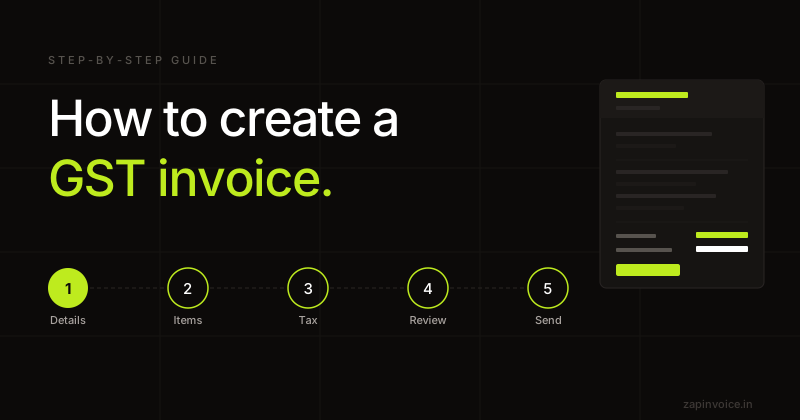
Generate in 3 simple steps
1
Fill in details
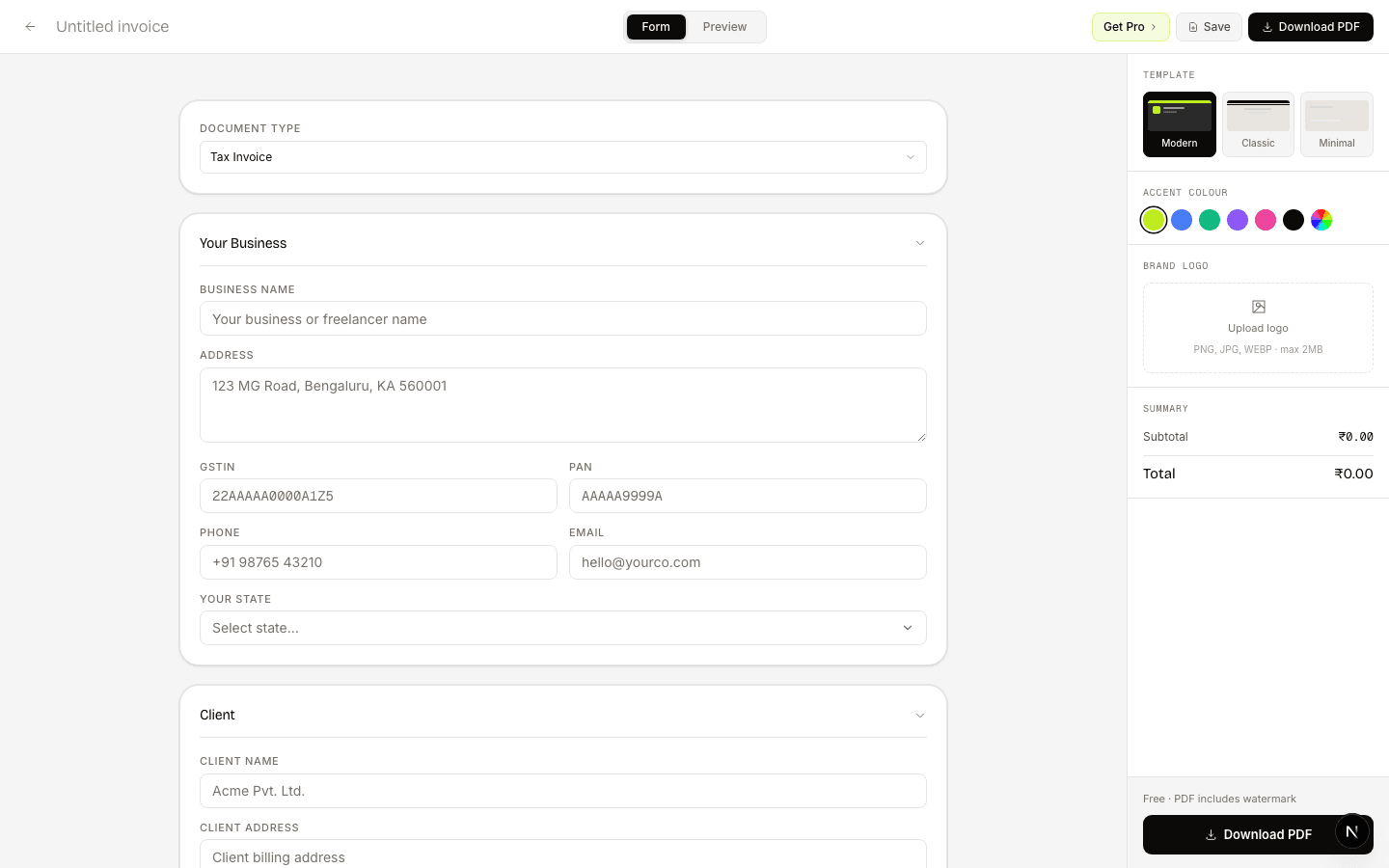
Add supplier (unregistered), your business as buyer, the RCM-attracting supply, and GST rate.
2
Preview live
Reverse-charge declaration prints automatically. GST split based on place of supply.
3
Download PDF
Pay the supplier the net amount. Deposit the GST in GSTR-3B Table 3.1(d) and issue a Self-Invoice to claim ITC.
What freelancers say
Switched from Zoho last month — haven't looked back. The CGST/SGST split is automatic, and the one-click GSTR-1 export saves my CA hours at the end of every month.
Priya MehtaFreelance UX Designer · Bengaluru
Had a cross-state client situation I was calculating wrong for months. ZapInvoice just switches to IGST automatically — no more manual guessing, no more wrong invoices.
Rahul KapoorIndependent IT Consultant · Delhi
I bill 15+ clients a month and used to chase every single one. Now ZapInvoice auto-reminds them on day 3, 7 and 14 — most pay before I even notice. Pro pays for itself.
Anita S.Owner, Kreative Digital Studio · Pune
FAQ
Frequently asked questions
Everything you need to know about payment voucher generation.
Who issues a payment voucher — the buyer or the supplier?
The registered buyer issues it, to the unregistered supplier, under RCM. This is unique to RCM — in normal supply the supplier issues the invoice.
Do I also need to issue a Self-Invoice?
Yes — to claim ITC on the GST you pay under RCM, you must also issue a Self-Invoice for the same transaction. Payment voucher records the payment; self-invoice supports the ITC claim.
Where do I report the GST on RCM in returns?
In Table 3.1(d) of GSTR-3B as outward tax payable on reverse charge. The corresponding ITC (subject to eligibility) appears in Table 4(A)(3) of GSTR-3B.
Is RCM applicable to all unregistered purchases?
No. Section 9(4) general RCM on unregistered purchases was suspended (currently restricted to specified categories like real-estate). Only notified categories under Section 9(3) attract RCM — legal services, GTA, sponsorship, etc.
What if the supplier is registered but the supply is RCM?
For notified RCM supplies, the buyer still self-pays GST and issues a payment voucher — even though the supplier is registered. The supplier issues a tax invoice mentioning "tax payable under reverse charge".
Does the supplier add GST to the bill?
No — under RCM, the unregistered supplier cannot charge GST. They bill the net amount; the buyer deposits the GST separately to the government.
Free to use
Generate your Payment Voucher now
No account needed. Fill in, preview, and download a PDF in under 60 seconds.