
Overview
What is a recurring invoice?
A recurring invoice is one you issue on a fixed schedule for an ongoing engagement — a monthly design retainer, a quarterly maintenance contract, weekly consulting hours. The line items stay largely the same; only the invoice number and dates change. Yet most freelancers re-create it by hand every cycle, and forget some months entirely.
Under GST, ongoing engagements are "continuous supply of services" (Section 31(5), CGST Act). The invoice must be issued on or before the due date of payment stated in the contract — which makes a reliable schedule a compliance requirement, not just a convenience. Each cycle's invoice needs its own sequential number, correct dates, and the same CGST/SGST/IGST treatment as any tax invoice.
ZapInvoice automates the whole loop: pick any saved invoice, choose weekly, monthly or quarterly (and the day of the month), and every cycle a new invoice is generated with the next number in your series and today's date. Turn on auto-email and it lands in your client's inbox without you lifting a finger; with automatic reminders on, unpaid invoices are followed up on day 3, 7 and 14 until you mark them paid.
Use Cases
When to use recurring invoices
- Monthly retainers — design, development, marketing, content, bookkeeping.
- Quarterly contracts — AMCs, maintenance, hosting, support agreements.
- Weekly billing — staffing, agencies billing by sprint or week.
- Subscriptions and memberships billed to other businesses.
- Rent and licence fees invoiced under GST.
Fields
What gets handled automatically each cycle
Invoice number
Next sequential number in your series (INV-2026-042 → INV-2026-043) — no duplicates, no gaps.
Invoice & due dates
Issue date is the generation day; the due date preserves the same offset as your original invoice (e.g. net-30).
GST treatment
CGST/SGST or IGST split, place of supply, HSN/SAC and rates carry over from the template invoice.
Email delivery
Optional auto-email sends the invoice to your client the moment it's generated, from your business name.
Payment reminders
With auto-reminders on, unpaid invoices get a polite follow-up on day 3, 7 and 14 — and stop the moment you mark it paid.
Status tracking
Each generated invoice starts as Sent, flips to Viewed when the client opens it, and Paid when you mark it.
How it works
Generate in 3 simple steps
Create the invoice once
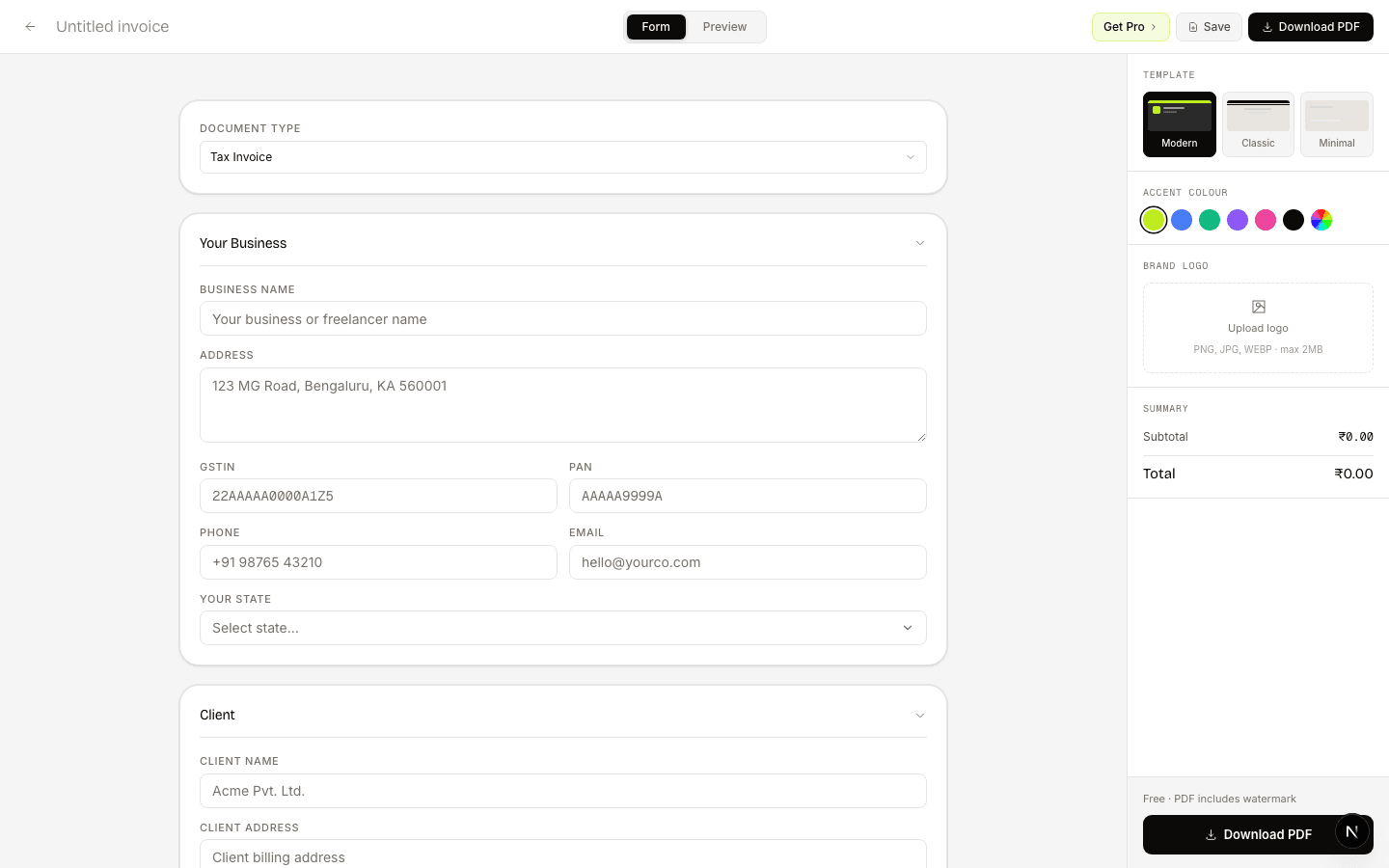
Build the retainer invoice in the free builder — client, line items, GST, branding. Save it to your account.
Make it recurring
In All Invoices, open the ⋯ menu → Make recurring. Pick weekly, monthly or quarterly, the day of the month, and whether to auto-email.
Let it run
Every cycle a new, sequentially numbered invoice is generated (and emailed). Pause, resume or delete the schedule any time from the Recurring page.
FAQ
Frequently asked questions
Everything you need to know about recurring invoices generation.
Is recurring invoicing free?+
Creating and downloading invoices is free and unlimited. Recurring schedules — auto-generation, auto-email and automatic payment reminders — are part of the Pro plan (₹199/month or ₹1,499/year).
Does each recurring invoice get a new invoice number?+
Yes. Every generated invoice takes the next number in your sequential series, exactly as if you had created it manually — no duplicates, which matters for GSTR-1.
Can it email the invoice to my client automatically?+
Yes. Turn on auto-email when creating the schedule and each cycle's invoice is emailed to the client on the invoice, from your business name, with a hosted link where they can view, download and pay.
What happens if the client doesn't pay?+
With automatic reminders enabled, ZapInvoice emails a polite follow-up on day 3, 7 and 14 after sending — and stops the moment you mark the invoice paid or cancelled.
Is a recurring invoice GST-compliant?+
Yes. Each generated invoice is a full tax invoice under Rule 46 — sequential number, dates, GSTIN, place of supply, CGST/SGST/IGST split and HSN/SAC codes. For continuous supply of services, issuing on a fixed schedule is exactly what Section 31(5) expects.
Can I pause or change a schedule?+
Yes. The Recurring page lists every schedule with pause, resume and delete controls. Generated invoices are kept even if you delete the schedule.
Free to use
Set up your first recurring invoice
Create the invoice once, then make it recurring from your dashboard — ZapInvoice generates and emails it every week, month or quarter, and chases payment automatically.
Related