Advanced
E-Way Bill vs E-Invoice: Key Differences Explained (2026)
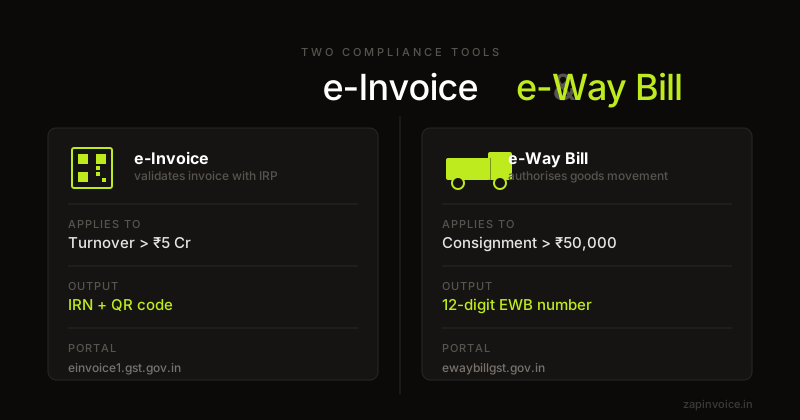
E-way bill and e-invoice are both GST compliance tools — but they serve very different purposes. Here's when each applies and how they link together.
26 Feb 20269 min read

Everything you need to know about GST e-invoicing — who it applies to, how the IRN system works, IRP portals, mandatory QR codes, GSTR-1 auto-population, and cancellation rules.
Overview
GST e-invoicing (electronic invoicing) is a system under which B2B invoices, credit notes, and debit notes issued by notified taxpayers must be reported to and authenticated by a government-designated portal called the Invoice Registration Portal (IRP). The IRP generates a unique Invoice Reference Number (IRN) — a 64-character hash — and a digitally signed QR code that must be printed on every e-invoice.
Critically, e-invoicing does not mean the invoice is created on the government portal. You continue to create invoices in your own accounting or invoicing system. The difference is that before the invoice is sent to the buyer, the invoice data (in a standardised JSON schema) must be uploaded to the IRP, which validates it and returns the IRN. The IRP-stamped invoice is the legally valid document.
As of 2026, e-invoicing is mandatory for all GST-registered businesses with aggregate annual turnover above ₹5 crore in any preceding financial year. The threshold has been progressively lowered from ₹500 crore (October 2020) to ₹5 crore (August 2023) — further reduction is expected.
Fields
How it works
Generate your tax invoice as usual — all mandatory fields (GSTIN, HSN, place of supply, tax amounts) must be correct. The invoice data must match the e-invoice JSON schema before upload.
Log in to einvoice1.gst.gov.in (NIC IRP) or use an integrated accounting tool. Upload the invoice JSON. The IRP validates the data and returns the IRN + signed QR code within seconds.
Add the IRN, Ack No, Ack Date, and signed QR code to the invoice before sending it to the buyer. Both physical and digital copies must carry these fields. Verify using the NIC QR Verify app.
FAQ
Everything you need to know about e-invoice guide generation.
No. e-Invoicing is mandatory only for B2B transactions — supplies to GST-registered buyers, including export invoices and supplies to SEZ units. For B2C sales (unregistered buyers), you continue issuing regular tax invoices. However, for B2C invoices above ₹500 from businesses with turnover > ₹500 crore, a dynamic QR code (UPI/Bharat QR) is mandatory under a separate notification.
Under Section 125 of the CGST Act, each invoice issued without IRN when required attracts a penalty of ₹10,000. More critically, the invoice is treated as invalid — the buyer cannot claim Input Tax Credit on that invoice. This makes non-compliance extremely costly in B2B relationships.
An e-Invoice (IRN) can be cancelled on the IRP only within 24 hours of generation. After 24 hours, cancellation on the portal is not possible — you must issue a credit note or debit note against the original invoice to correct it. The IRN itself cannot be amended. A new IRN requires a new document with a different invoice number.
There are multiple authorised IRPs — NIC, ClearTax, IRIS, Cygnet, and others — all with high availability. If all portals are simultaneously unreachable, GSTN's fallback allows you to issue the invoice without IRN and upload it the next working day. Keep documentation of the downtime. Do not make this a regular practice.
The QR code contains key invoice parameters (supplier GSTIN, buyer GSTIN, IRN, invoice date, invoice value, HSN summary, tax amounts) digitally signed by the IRP. Anyone can verify authenticity using the NIC "Verify QR" mobile app or the portal. This makes fraud or QR substitution detectable.
Yes. Once an IRN is generated, the invoice data is automatically reflected in your GSTR-1 (Table 4A for B2B, Table 6A for exports). You do not need to enter these invoices manually in GSTR-1. However, you still need to review and submit GSTR-1 on time — auto-population does not mean auto-filing.
e-Invoice authenticates invoice data with the government before the invoice is sent to the buyer (applicability: ₹5 crore turnover threshold). e-Way Bill authorises the physical movement of goods in transit (threshold: ₹50,000 consignment value, applies to all registered taxpayers regardless of turnover). For goods consignments where the supplier is e-invoice mandated, the e-Way Bill Part A is auto-populated from the e-invoice data — but Part B (vehicle number) must still be filled separately.
Free to use
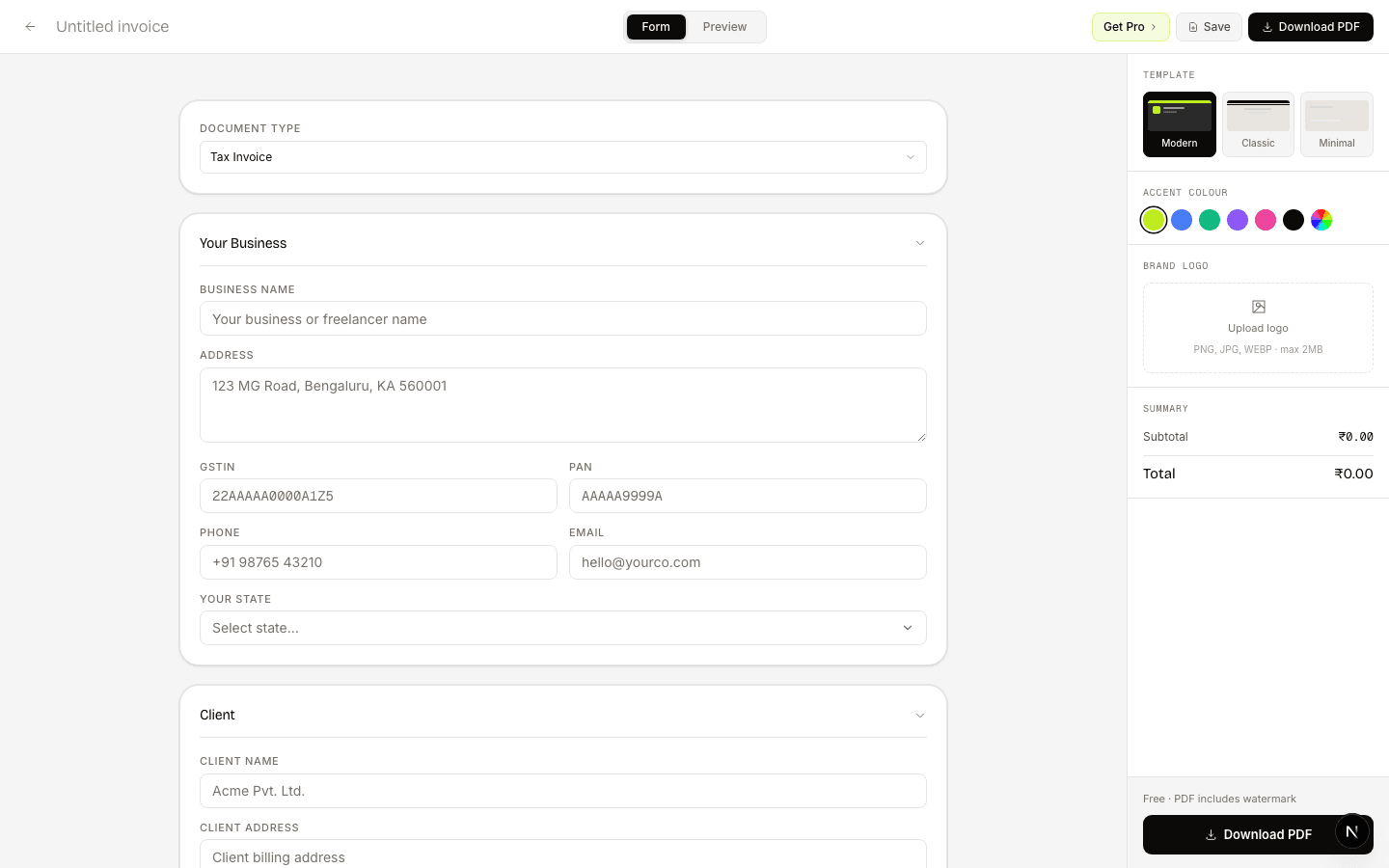
e-Invoice is generated on top of a valid tax invoice. Build your invoice in the correct format here, then upload the JSON to the IRP on einvoice1.gst.gov.in.
Guides
E-way bill and e-invoice are both GST compliance tools — but they serve very different purposes. Here's when each applies and how they link together.
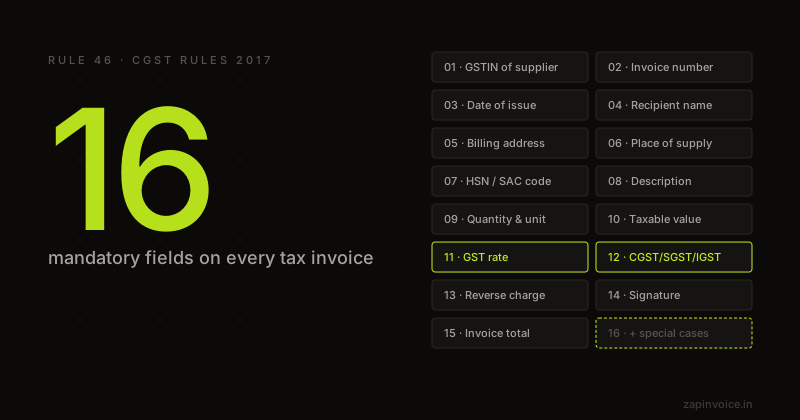
The complete GST invoice format under Rule 46 — every mandatory field explained with examples and compliance tips.
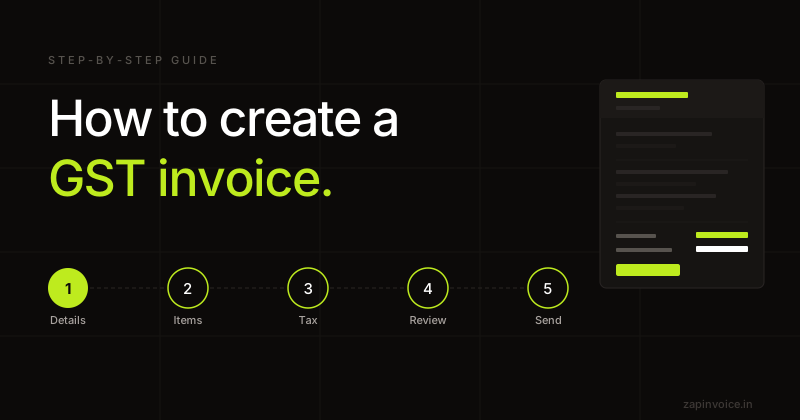
Everything you need to create a legally compliant GST invoice — mandatory fields, tax calculation, and common mistakes to avoid.