Compliance
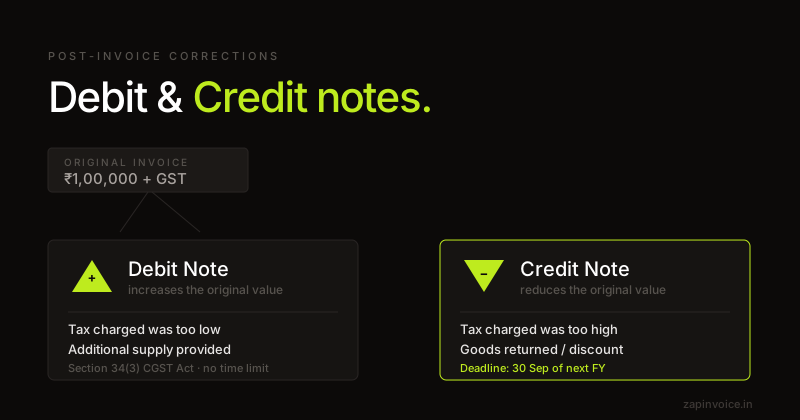
Debit Note and Credit Note Under GST: Complete Guide (2026)
Issued an invoice with the wrong amount or rate? Here's how credit notes and debit notes work under GST to correct it without violating compliance.
12 Feb 20268 min read

Issued within one month of getting your GST certificate, to cover taxable supplies you made between your application date and the date of registration.
Overview
A revised invoice is a specific GST document defined by Section 31(3)(a) of the CGST Act and Rule 53(2). When a business applies for GST registration, there is typically a gap of a few days to a few weeks before the certificate is granted — but the registration is effective from the date of application.
For all taxable supplies made in this gap, the supplier must issue revised invoices within one month of the date of issue of the registration certificate. These revised invoices replace the documents issued during the gap (which would have been mere bills since GST couldn't be charged) and ensure the GST liability is correctly captured and ITC is available to the buyer.
A revised invoice has the same fields as a tax invoice plus a "REVISED" endorsement and a reference to the original document number and date. It is reported in the same GSTR-1 tables as a regular tax invoice for the period it covers.
Fields
How it works
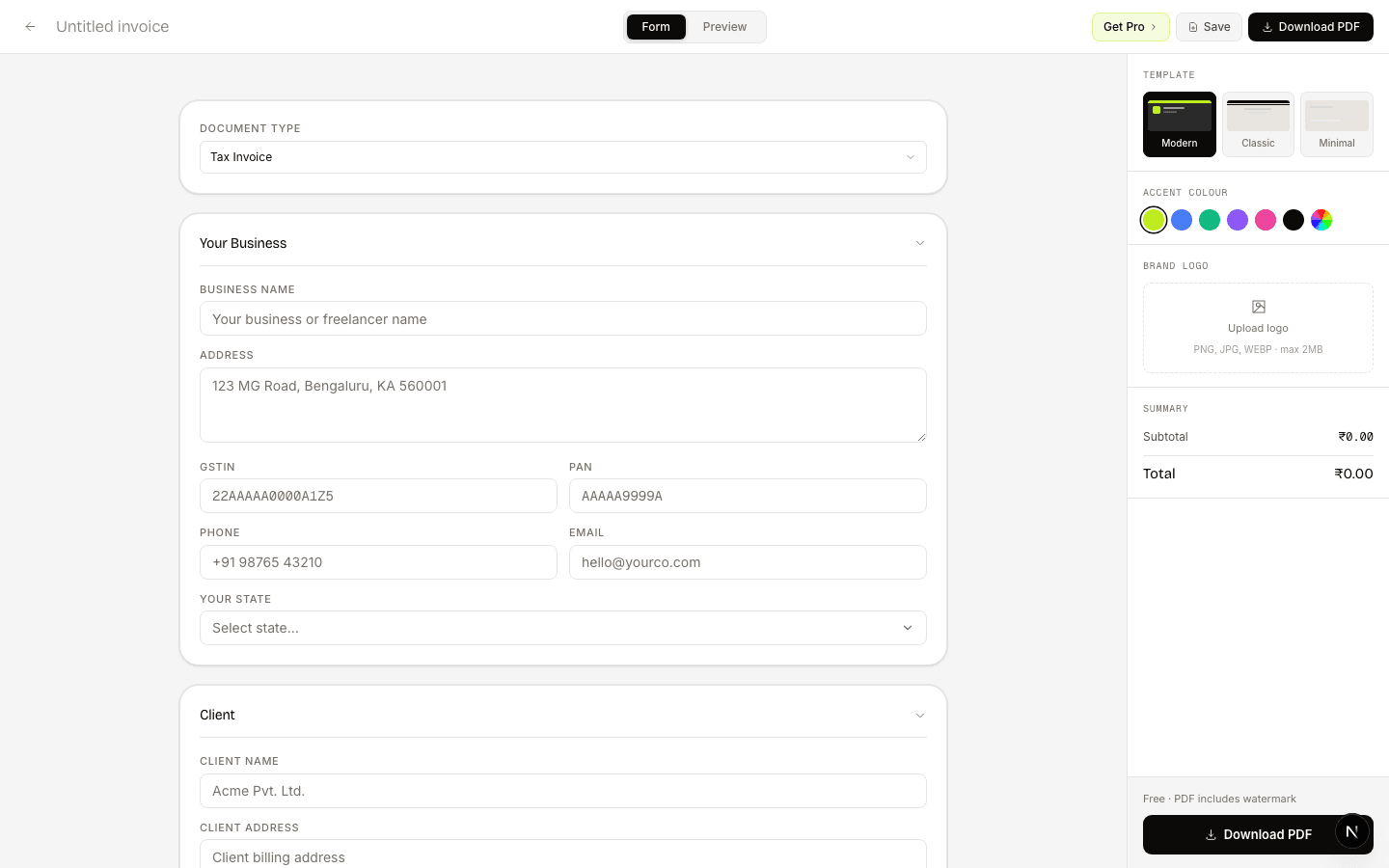
Add your newly-granted GSTIN, reference the original bill, and enter the supply values with GST.
The "REVISED INVOICE" endorsement and original-doc reference appear automatically.
Send to the buyer. Report it in your first GSTR-1 alongside regular tax invoices.
What freelancers say
Switched from Zoho last month — haven't looked back. The CGST/SGST split is automatic, and the one-click GSTR-1 export saves my CA hours at the end of every month.
Had a cross-state client situation I was calculating wrong for months. ZapInvoice just switches to IGST automatically — no more manual guessing, no more wrong invoices.
I bill 15+ clients a month and used to chase every single one. Now ZapInvoice auto-reminds them on day 3, 7 and 14 — most pay before I even notice. Pro pays for itself.
FAQ
Everything you need to know about revised invoice generation.
Any new GST registrant who made taxable supplies during the gap between their application date and the date their registration certificate was granted. The revised invoice converts those gap-period bills into proper tax invoices.
One month from the date of issue of the GST registration certificate. After that window, the revised-invoice route closes.
Yes — for unregistered buyers, you can issue a consolidated revised invoice for all gap-period supplies state-wise. For registered buyers, individual revised invoices are required.
Same tables as a regular tax invoice (Table 4/5/7 depending on B2B or B2C). The "revised" status is implicit because the original-document reference is provided.
Yes. A revised invoice supports ITC like any tax invoice, subject to the normal time-limit rules. Issuing one is what restores ITC visibility for the buyer for the gap period.
No. Credit/debit notes adjust an existing tax invoice. A revised invoice replaces a pre-registration bill (which was not a tax invoice) with a proper GST tax invoice — a different use case.
Free to use
No account needed. Fill in, preview, and download a PDF in under 60 seconds.
Guides
Issued an invoice with the wrong amount or rate? Here's how credit notes and debit notes work under GST to correct it without violating compliance.
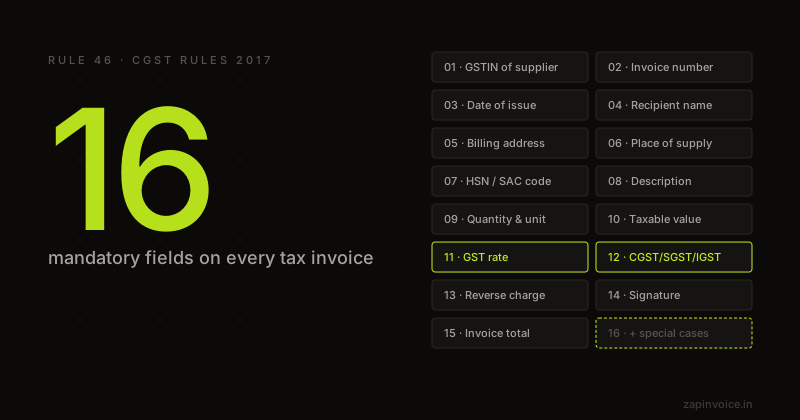
The complete GST invoice format under Rule 46 — every mandatory field explained with examples and compliance tips.
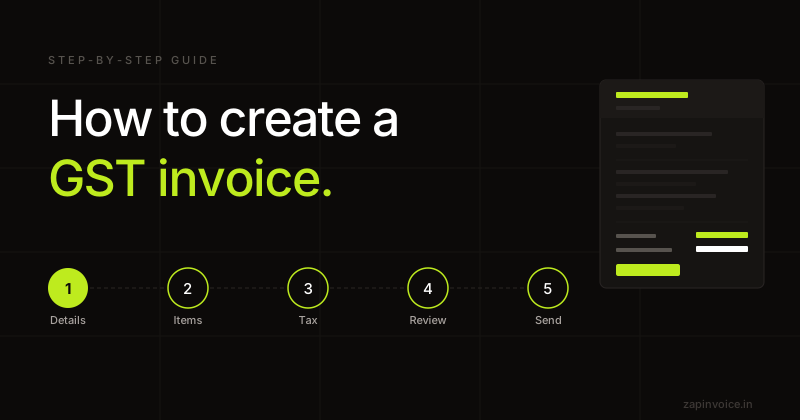
Everything you need to create a legally compliant GST invoice — mandatory fields, tax calculation, and common mistakes to avoid.